Guide to ReelTok Widgets
ReelTok offers three distinct video widget styles designed to fit different areas of your store. Choosing the right format is key to maximizing engagement and conversion.
This guide explains each format, where to place it, and how to use it effectively.
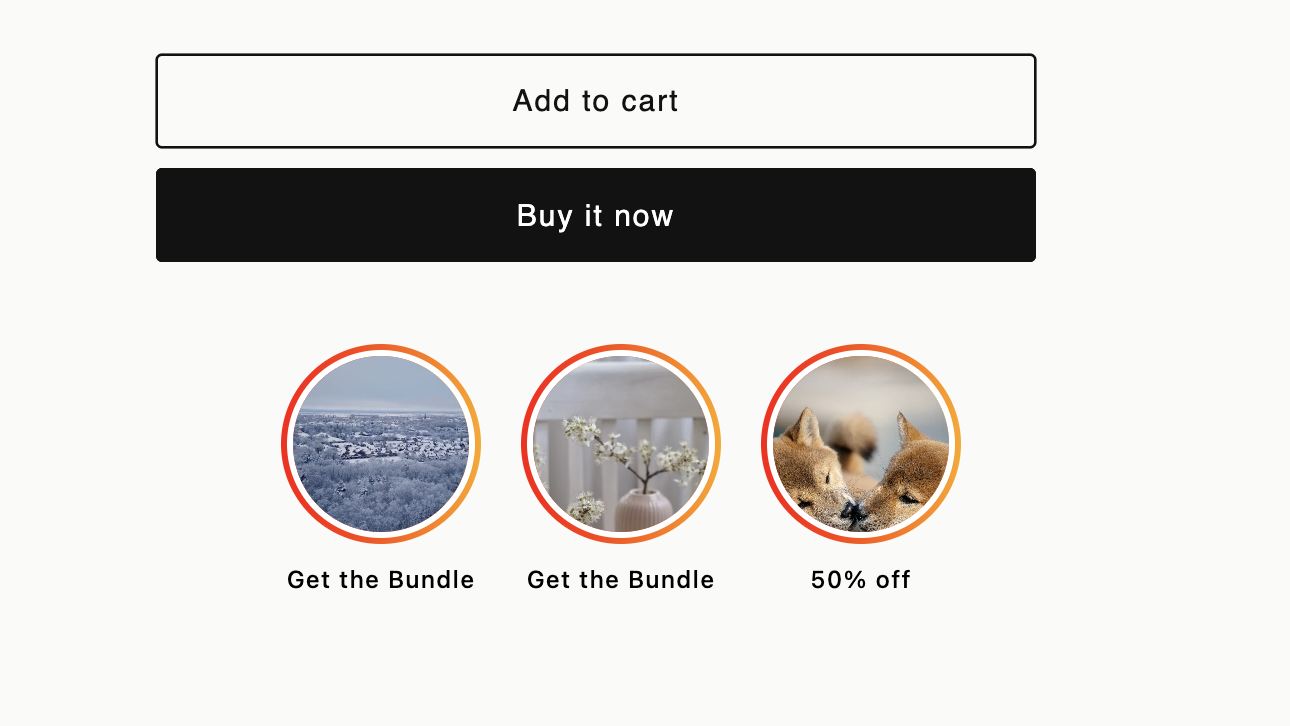
1. Stories (Instagram Style)
Visual: A row of circular bubbles. Clicking one opens a full-screen shoppable player. Best For:
User Reviews: Curating customer testimonials.
Highlights: Quick "How-to" clips or brand intros. Placement: Top of the Homepage or Mobile landing pages.
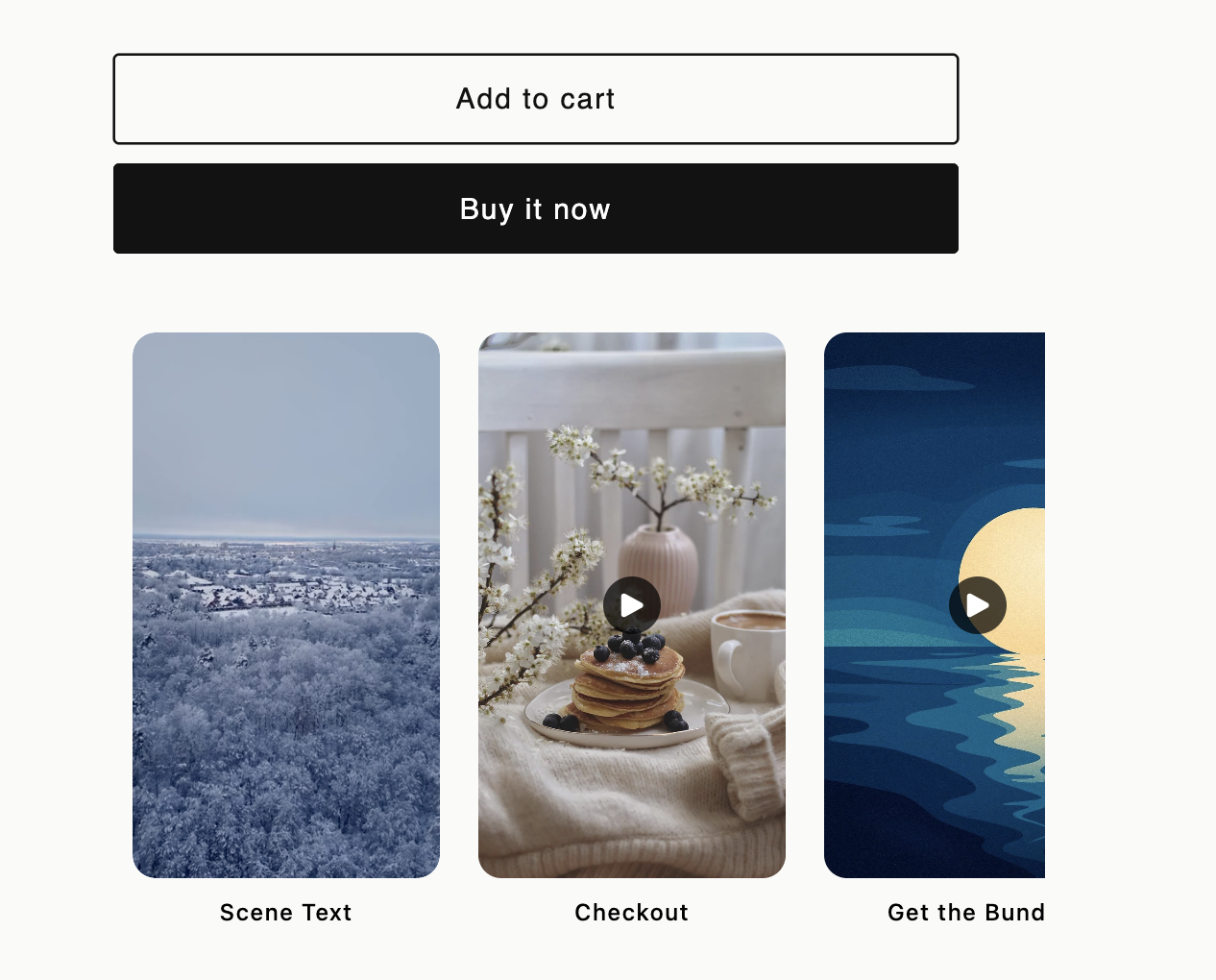
2. Carousel (Slider)
Visual: A horizontal slider of rectangular video cards. Best For:
Product Demos: Showing items in use.
"Shop the Look": Featuring multiple products in one video. Placement: Product pages (under descriptions) or mid-Homepage.
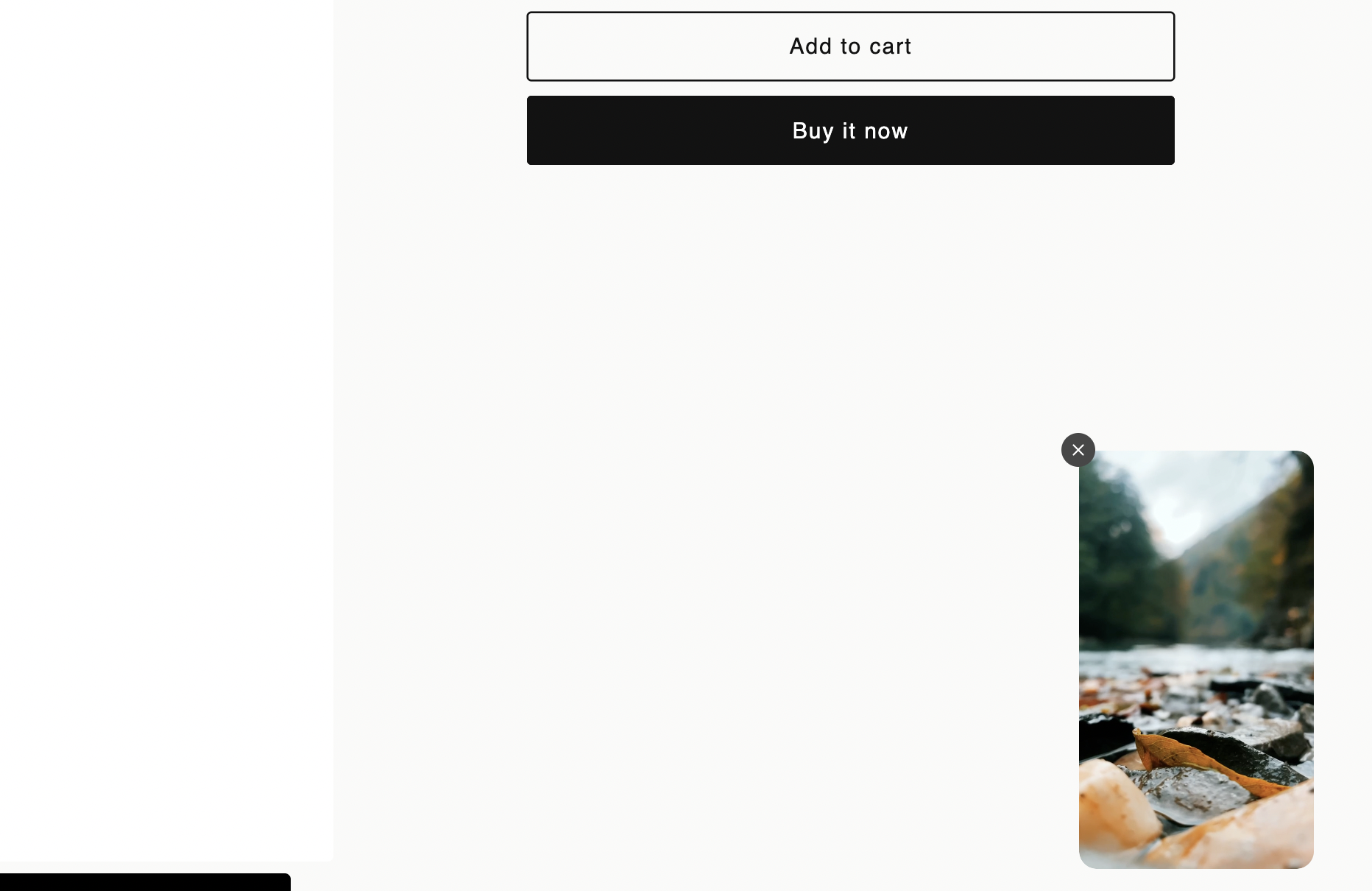
3. Floating Reels (Sticky Widget)
Visual: A single video that "sticks" to the bottom corner as users scroll. Best For:
Announcements: Flash sales or free shipping alerts.
Welcome Videos: Personal greetings to new visitors. Placement: Site-wide (global) or on the Cart page.